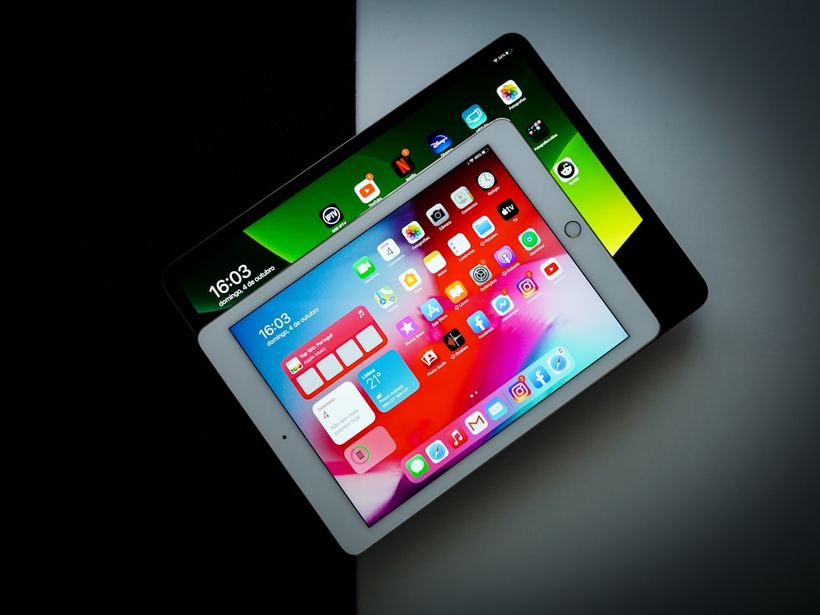
Why the Screen Suddenly Stops Responding
You turn on your tablet — it lights up, the charging icon is there, everything looks normal. You tap with your finger — nothing. Or it responds intermittently: works in the left corner, but not the right. Over seven years, hundreds of such devices have passed through our hands — including various generations of iPad, Samsung Galaxy Tab, and Lenovo with Xiaomi. The reasons can be very diverse, and it's not always the touchscreen itself that's to blame.
Common Causes
Software Glitch
The most harmless one. The system has frozen — and the tablet simply doesn't "hear" your touches. This happens after updates, when memory is full, or when one application crashes everything else.
Dirt, Moisture, or a Bad Screen Protector
The touchscreen operates on a capacitive principle — it detects the electrical potential of your finger. A greasy film on the screen, wet hands, or a bubbling screen protector from a third-party marketplace can easily confuse it. We often see this scenario: someone brings in an iPad that "died," we remove a cheap, bubbly screen protector — and the screen immediately comes back to life.
Digitizer Damage After a Fall
The glass might remain intact, but the digitizer layer — the one that reads touches — gets damaged internally. Externally, everything looks normal, but the tablet doesn't feel your fingers.
Detached or Broken Flex Cable
The touchscreen is connected to the board by a thin, flexible cable. After a fall or self-disassembly, the flex cable might shift or break. The display matrix lights up as if nothing happened — but touches don't register.
Motherboard Issue
Rare, but it happens. The touchscreen controller on the motherboard fails — in which case even a new digitizer won't help. Diagnostics and, most likely, micro-soldering are needed.
What You Can Try Yourself
- Force restart your tablet — press and hold the power button for 10–15 seconds until it restarts. This helps in half of software freeze cases.
- Wipe the screen with a dry cloth. Remove the screen protector, especially if it's third-party or has bubbles.
- Put it on charge. With a deep discharge, some tablets start "glitching" with the touchscreen even before completely shutting down.
- Try a different cable and adapter. We had a case: someone brought in a Samsung Galaxy Tab A8, the owner said the screen died. It turned out a third-party charger was causing interference with the touchscreen. We connected it to an original one — and it worked immediately.
When It's Definitely Time for a Technician
If restarting and cleaning didn't help — it's best not to experiment further. You shouldn't try to disassemble the tablet yourself: the flex cables are thin, the fasteners are fragile, and after an unsuccessful attempt, the repair cost can double.
Bring it to the service center if:
- the touchscreen doesn't respond after a fall
- there are cracks or dark spots under the glass
- touches work erratically — buttons press "by themselves"
- only part of the screen is not working
- the problem appeared after someone else's repair or self-disassembly
Recently, an iPad 9th generation was brought in — it fell off a table, the glass was intact, but the right half of the screen didn't respond at all. It turned out the digitizer flex cable was damaged. We replaced the touchscreen — it cost about 2500 rubles, and the tablet works like new.
If none of the above helped — come to iClub at Kommunisticheskaya, 35. Diagnostics are free, we'll figure it out and tell you honestly what's wrong with your tablet and how much it will cost.