The Problem
Some iPhone 17 and iPhone 17 Air owners have encountered an unexpected situation: the phone refuses to charge when the battery is low. Whether you plug in a cable or place it on a wireless charger, the device doesn't respond. Apple has acknowledged the issue and released an urgent iOS 26.5.1 update to fix this bug.
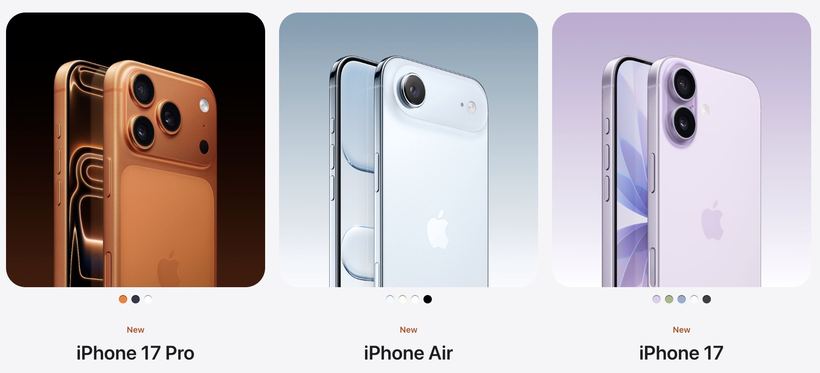
The problem only affects these models:
— iPhone 17
— iPhone 17 Plus
— iPhone 17 Pro
— iPhone 17 Pro Max
— iPhone 17 Air
If you have a different model, this update is not for you — the issue does not occur on other devices.
Causes
Apple has not disclosed the exact technical nature of the error. According to indirect reports, it's a software glitch in charging management when the battery level is critically low. Here is what we know:
— The bug appeared in iOS 26.5.0 and is related to the charging process initiation logic
— The conflict occurs when the charge level is close to zero
— The issue is not related to the cable, adapter, or the battery itself — it is a software error
Important: if your phone isn't charging, don't rush to replace the cable or take it for repair. Install the update first.
Solution
Step 1. Check your iOS version
1. Open Settings.
2. Go to General → About.
3. Look at the iOS version. If you have iOS 26.5.0 or lower, you need the update.
Step 2. Charge the phone to a minimum level
If the device still charges even a little, get it to 5–10% so the phone can install the update.
If the phone doesn't respond to charging at all:
1. Try a different cable and adapter.
2. Leave it plugged in for 30–60 minutes — a completely drained battery sometimes needs time.
3. Perform a force restart: quickly press and release the volume up button, then the volume down button, then hold the side button until the Apple logo appears.
Step 3. Install iOS 26.5.1
1. Open Settings → General → Software Update.
2. Tap Download and Install.
3. After restarting, plug the phone into the charger and check if the charging icon appears on the screen.
The update is small and installs quickly. It's best to do this over Wi-Fi.
Step 4. Make sure the problem is resolved
In most cases, charging is restored immediately after installing iOS 26.5.1. If everything works, you're done — no further action is needed.
If nothing helped
If the phone still won't charge even after the update, the cause is likely hardware-related: battery wear, a clogged or damaged charging port. Come to iClub Service for diagnostics — our technicians will identify the cause and offer a solution with no hidden fees.