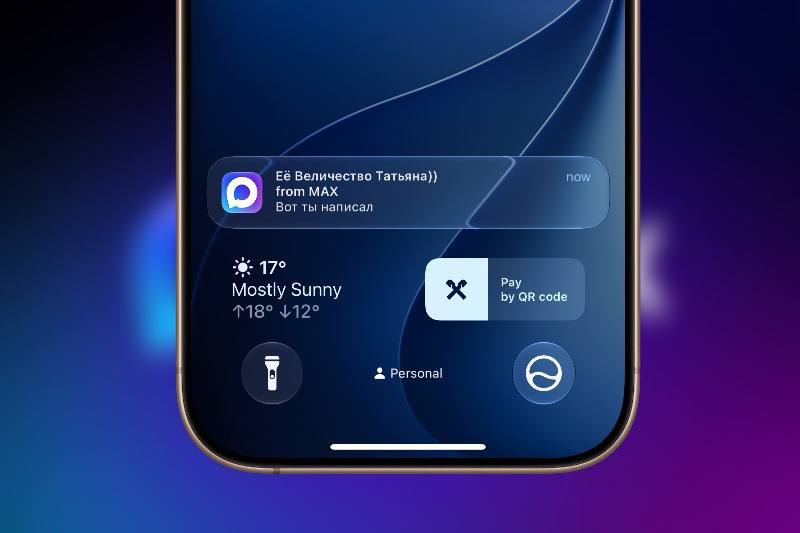
MAX messenger doesn't send notifications on iPhone — or the app isn't available in the App Store at all. Users notice this especially when they miss important messages from colleagues or family. Meanwhile, everything works fine on Android, which is confusing.
Good news: there's a solution, and it doesn't require any technical skills.
Why MAX notifications disappear
— The native MAX app is unavailable or restricted in the App Store — you can't install it the standard way
— The MAX website, opened as a regular browser tab, doesn't work in the background and won't send notifications
— Push notifications from web services on iPhone only arrive if the site is added to the Home screen as a separate web app
— On iOS below version 16.4, this mechanism isn't supported at all
How to restore notifications: adding web MAX to the Home screen
Safari can "install" any website directly to the iPhone home screen. This shortcut opens in a separate window — without the address bar or extra tabs — and gets permission to send push notifications. For MAX, this is currently the only working method on iPhone.
1. Open Safari browser and go to web.max.ru
2. Log into your account
3. Tap the three dots at the bottom of the screen in the MAX interface
4. Select "Share," then "Show More"
5. In the expanded list, find "Add to Home Screen" and tap it
6. Edit the name if needed and confirm — "Add"
7. Close Safari and open the new MAX icon from the Home screen
8. When the system asks about notifications — select "Allow"
Now MAX lives on the home screen like a regular app, and messages arrive on time again.
If notifications still don't work
Check a few additional things:
— Settings → Notifications → Safari: make sure notifications for web apps are enabled
— Settings → Screen Time: check if there are any active restrictions on notifications
— Focus mode or Do Not Disturb: it can block all incoming notifications
— Settings inside MAX: check if notifications are enabled for the needed chats and groups
Please note: this method works reliably starting with iOS 16.4. On older system versions, web apps can't send push notifications — you'll need to update your iPhone first.
Problem not resolved?
If MAX still isn't working after all the checks — the issue might be with iPhone system settings or a conflict with management profiles. Come in for a free diagnostic at iClub.pro: we'll figure out the cause and configure your device so everything works smoothly. We're located in Novosibirsk at 35 Kommunisticheskaya Street.