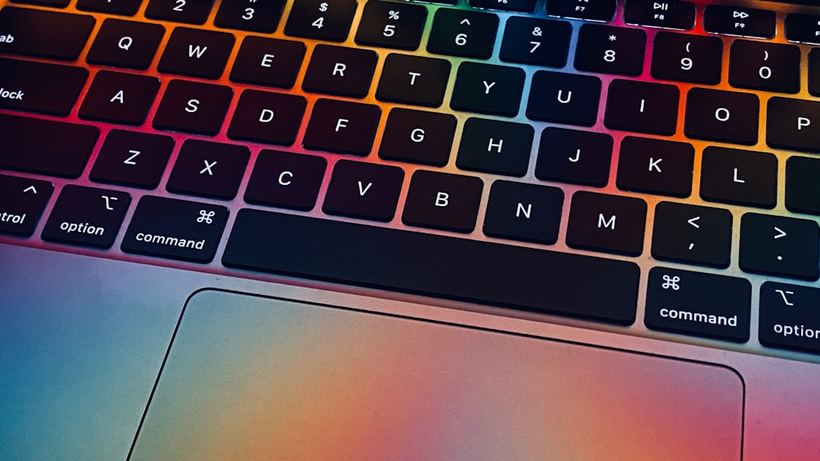
When a MacBook key starts living its own life
A client brought us a 2019 MacBook Pro—complaining that the spacebar sometimes doesn't work, and the letter "C" suddenly starts typing by itself: "ccccc" without stopping. It's impossible to work. And yet, they didn't spill anything on it, nor did they drop it. This is the most common story: keys start acting up unexpectedly, without an obvious reason.
MacBook keyboards are a separate topic. Starting around 2015, Apple switched to a thin "butterfly" mechanism, and we've seen a noticeable increase in work at our service center because of it. 2016–2019 models come to us with these exact complaints especially often. Since 2020, they returned to scissor mechanisms—they are more reliable, but not eternal either.
Why keys get stuck or sink
The most trivial reason is debris under the key. Crumbs, dust, small fibers—all of this gets packed under the keycap and interferes with normal travel. On "butterfly" keyboards, this was especially critical: there is literally a half-millimeter gap, and one crumb could jam the mechanism completely.
The second reason is wear or breakage of the mechanism itself under the button. The plastic clips are fragile. The key starts to tilt, stick, or only registers when pressed on one side.
Liquid is a separate story. Even if it seems like "just a tiny bit" got in—tea, juice, water—the remaining sugar and minerals crystallize under the keys and literally glue the mechanism together. We clean such keyboards differently and it takes longer.
And finally, just a manufacturing defect or material fatigue. This is especially characteristic of 13″ and 15″ MacBook Pro models from 2017–2018—Apple even launched an official keyboard replacement program back then because the problem was widespread.
What you can try yourself
If a key is sticking but clearly not physically broken—try blowing it out with a can of compressed air. Hold the MacBook at an angle of about 75 degrees, with the nozzle 5–7 centimeters from the surface. Blow several times to the left, right, and below the key. This really helps when the cause is small debris.
Removing the keycap yourself should be done with caution. On "butterfly" keyboards, there is a real risk of breaking the clips, and replacing them will cost more than the cleaning itself. It's a bit easier on scissor keys, but you need to know exactly how to pry them up—otherwise, you will break the holder tabs.
Alcohol and a cotton swab help with sticking from sugary substances if you can carefully reach the mechanism. But that is at your own risk.
When to bring it to the service center
If blowing it out didn't help—it's better not to experiment further. Especially if the key has sunk and doesn't return to its original position, is tilted, or doesn't work at all. Replacing a single mechanism is a realistic task, but it requires precision and the right tools.
We had a 2020 MacBook Air—the client removed two keys themselves to clean them and broke one holder. We had to order a donor part, and the price increased significantly compared to a regular cleaning. The mechanism itself was intact—it was a shame.
If several keys in a row aren't working, or the keyboard is partially unresponsive—it could be the ribbon cable or the board. In this case, you definitely can't do without a diagnostic.
Roughly about prices
Cleaning one or two keys without disassembly—around 500–800 rubles. Replacing one mechanism under a key—from 800 to 1,500 rubles depending on the model. If a full keyboard replacement is needed—from 4,500 rubles, depending on the model and availability of the part.
If a stuck key is driving you crazy—come to iClub at 35 Kommunisticheskaya St. We'll take a look, blow it out, and if necessary, disassemble it right in front of you. Diagnostics are free. We will agree on the option and turnaround time after the check.