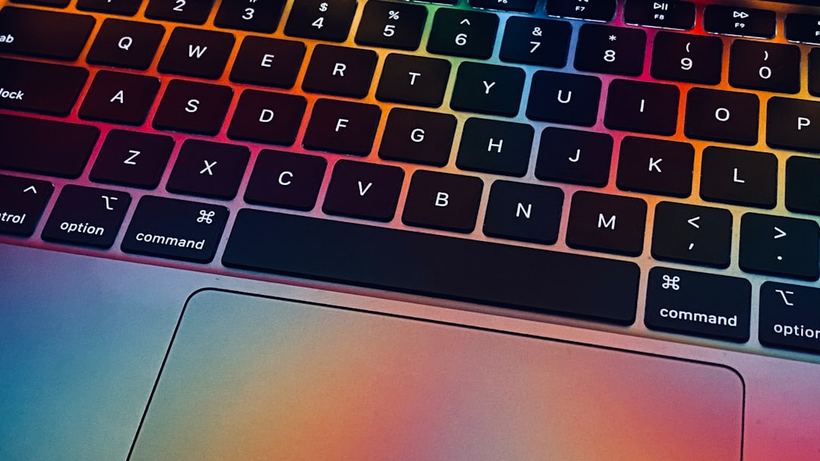
Why does this happen in the first place
Sticky or sunken keys are one of the most common complaints we hear. It's an annoying issue: you're typing, and suddenly a letter repeats three times in a row, or a key sinks down and doesn't bounce back. Sometimes it just feels softer than the rest. Sometimes it doesn't press at all.
This happens especially often with MacBook Pro 2016–2019 featuring the so-called "butterfly" mechanism—Apple used very thin plastic clips under the keys back then, which would fail from the smallest speck of dust. In 2019, they switched back to the regular scissor mechanism—things got better, but even those aren't immortal.
Main causes
Debris under the key is the most common reason. Crumbs, dust, hair—all of this gets under the keycap and blocks the travel. The key starts sticking or won't press down completely.
Liquid is a more serious issue. Tea, coffee, juice—anything. Even a tiny drop dries up and glues the mechanism together. We had a case: someone brought in a MacBook Air 2022, and the "A" key just wouldn't press. We opened it up—inside was dried sugar from coffee with milk. The owner didn't even remember spilling anything.
A broken hinge or clip. If a key falls off, people often try to snap it back in place themselves—and end up breaking the plastic retainer. After that, replacing the mechanism is unavoidable.
Normal wear and tear. On "butterfly" MacBooks, the hinges break from years of use. Nothing was spilled, nothing was dropped—they were just working every day.
What you can try at home
If a key is sticking and you don't suspect any liquid damage, start by blowing it out with compressed air. A can costs about 300 rubles in any computer store.
- Turn off your MacBook.
- Hold the laptop at about a 75-degree angle—screen almost vertical.
- Blow out the key several times, changing the angle.
- Turn it on and test it.
Sometimes that's enough—a speck of dust flies out, and the key works normally again. I wouldn't recommend removing the key cap yourself. On a "butterfly" mechanism, it's very easy to do it wrong and break the clip. On MacBook models from 2019 and newer, it's a bit easier, but still requires care. If you break it, the repair will cost more.
When you need a technician
If blowing it out didn't help and the key still sticks or doesn't return, it's time to visit a service center. Especially if:
- liquid got onto the key, even a little bit
- the key fell off and you tried to put it back yourself
- you have a MacBook Pro 2016–2019 with "butterflies"—here, DIY cleaning almost always ends in mechanism replacement
- several keys in a row aren't working
From experience: a MacBook Pro 15″ 2017, the spacebar and "B" key started double-typing—one press produced two characters. The owner endured it for three months before coming to us. We found debris under both keys, plus one hinge was already cracked. We cleaned them, replaced the mechanism on the cracked one—everything was back to normal in an hour and a half.
Cleaning a single key at our shop starts from 300 rubles, mechanism replacement—from 500 rubles per key. If you need a full keyboard replacement, it depends on the model, usually from 4 000 rubles.
If that didn't help—come visit us
If blowing it out brought no results or you're not sure what's going on at all, come to iClub at Kommunisticheskaya 35 in Novosibirsk. Diagnostics is free: a technician will take a look and give you an honest answer about what's wrong with the key—whether it needs cleaning, a mechanism replacement, or something more serious. Usually, we fix it right on the spot.