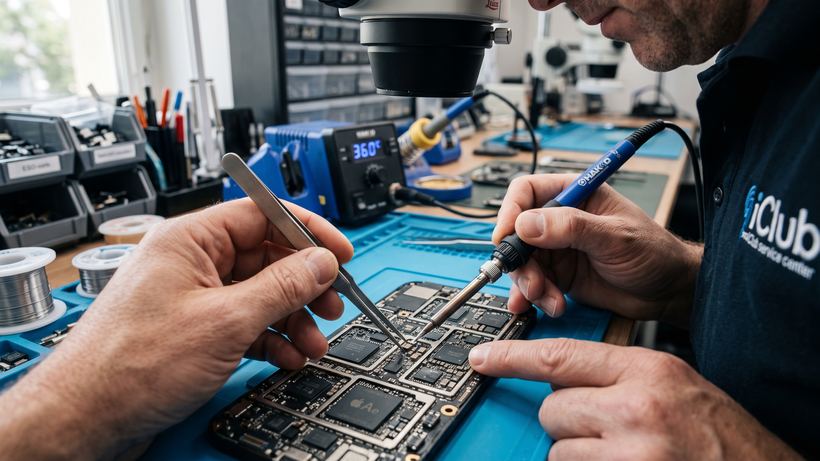
Acer Aspire V5-132 repair at the iClub service center
The compact Acer Aspire V5-132 laptop is appreciated by users for its mobility and lightness, but its thin casing imposes certain limitations on the cooling system and structural durability. At our service center at 35 Kommunisticheskaya St., we provide comprehensive maintenance for this model, using professional equipment for accurate diagnostics and restoration of all device components.
Common problems and signs of failure
The experience of iClub engineers allows us to highlight a number of typical malfunctions faced by owners of this model:
- The laptop does not turn on or charge: most often the problem lies in a deep discharge or wear of the battery, as well as in mechanical damage to the power connector.
- Overheating and slow performance: due to its compact size, the cooling system quickly clogs with dust. Regular cleaning and replacement of thermal paste are necessary to prevent failure of the video chip or processor.
- Hinge damage: tight movement of the hinges often leads to cracks in the case. We repair the hinges, restoring the geometry of the lid.
- Boot errors: if the laptop does not boot into the operating system, it may indicate a software glitch or a storage drive malfunction.
- Lack of a Russian layout: for models brought from abroad, we offer keyboard laser engraving that looks factory-made.
How the repair is carried out in our service
The process starts with a free diagnostic, even if you decide to postpone the repair. The technician determines the exact cause of the malfunction and immediately states the final cost. Most works, including battery replacement, cleaning, or minor component repair, are performed within 30 minutes right in front of the customer. Upon completion of all procedures, the device undergoes mandatory testing. A warranty of 3 months or more is provided for all services and installed spare parts.
Frequently asked questions
Can the laptop be cleaned of dust in a single visit?
Yes, preventive maintenance of the Acer Aspire V5-132 cooling system takes about 30-40 minutes. You can wait for the work to be completed in our waiting area.
What should I do if the laptop stopped detecting the charger?
Bring the device for free diagnostics. We will check both the power supply unit itself, the internal connector, and the charge controller on the motherboard.