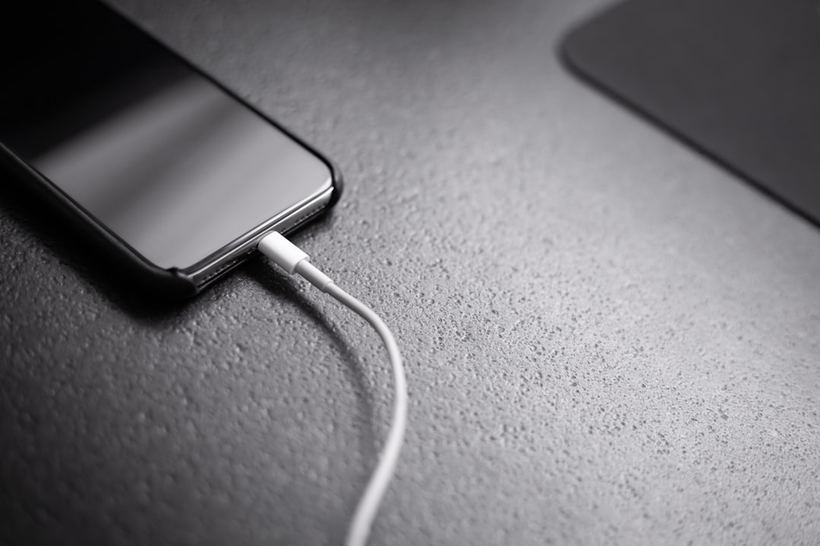
Your phone has been on the charger for an hour, but the battery percentage hasn't budged. Or it charges, but very slowly. Or the lightning bolt icon appears and disappears immediately. We see these situations every day. The first question we need to solve is exactly where the problem lies.
Three culprits that are often confused
An iPhone won't charge for three main reasons: a faulty cable, a dead adapter, or an issue with the charging port on the phone itself. Less frequently, it's a software glitch or a board failure, but you should always start with the simple things.
The Cable
The most frequent culprit. Lightning cables—especially cheap ones or old original ones—fray at the base of the connector. It might look fine on the outside, but the internal wire is already broken. We often see this with people who charge their phone at night by draping the cable over the edge of the bed; it constantly bends in the same spot and eventually breaks right there.
The Adapter
The story with adapters is different. They either work or they don't. Overheating, a power surge—and that's it. Chinese power blocks burn out quietly, without any signs. An original Apple adapter is more reliable, but it's not eternal either. It's easy to check: try a different power block or charge it from a laptop via a USB port.
The Lightning or USB-C Port
This is where it gets trickier. Dust, pocket lint, and crumbs get into the port. Over time, a dense layer of debris builds up, and the cable simply can't reach the contacts. Sometimes you can't see it with the naked eye, but the phone won't charge or charges with difficulty. It can be worse: bent pins inside the port or oxidation—that's mechanical damage that you can't fix yourself.
What you can check yourself
- Try a different cable—preferably an original or MFi-certified one.
- Try a different adapter.
- Look into the port under good lighting or with a flashlight. If you see debris, carefully clean it out with a wooden toothpick. Do not use metal objects: you will scratch the contacts.
- Restart your phone. It sounds trivial, but a software glitch can sometimes block charging.
- Try charging via a computer—if it works from the computer, then the problem is in the adapter.
Two cases from our practice
Recently, someone brought in an iPhone 13; the owner said it wouldn't charge at all. We checked the port—there was a real ball of felt in there. We cleaned it, inserted the cable, and it worked immediately. Not a penny for the repair, five minutes of work. That's why we do diagnostics for free—sometimes the problem is exactly that, and there's no need to turn it into a major repair.
Another case—an iPhone 14 Pro that was charging inconsistently: sometimes it worked, sometimes it didn't. It turned out that one pin inside the port was slightly bent. The owner had been using a cheap cable with a thick connector, and it had gradually broken the pin. That requires a port replacement—starting from 1 500 rubles depending on the model, and we do it in a few hours.
When it's time to see a technician
If changing the cable and adapter didn't help, the port is clean, and the phone has been restarted—but it still won't charge—it's better not to try anything else yourself. In particular, don't try to straighten the pins with just anything or pour anything inside.
The cause could be a faulty power management chip on the board—that's not the cable or the port. Or oxidation after water damage: on an iPhone 12 and newer, water isn't always visible from the outside, but the board inside has already suffered. If the problem appeared after a drop, the port has likely shifted or detached from the board, and you can't figure that out without opening it up.
If none of the above helped, come to iClub at 35 Kommunisticheskaya Street. Diagnostics are free; we'll tell you right away what happened and how much it costs to fix. Most charging problems are solved on the same day.