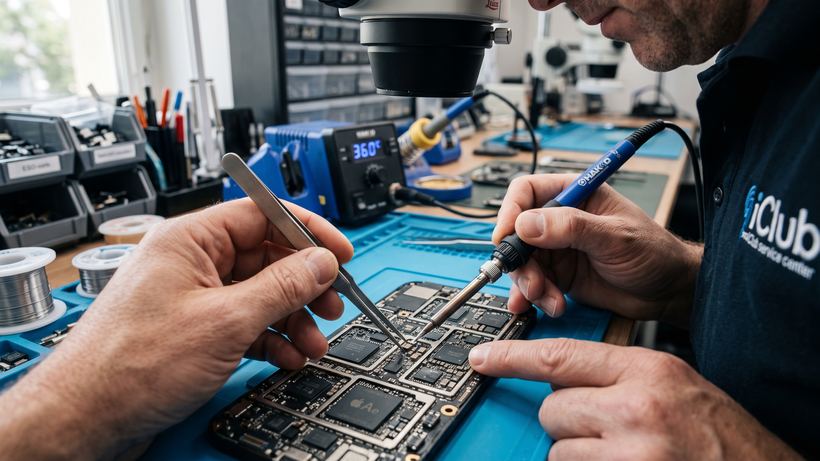
iPad Air 3 A2123 Repair Highlights
The iPad Air 3 (model A2123) combines a slim body with high performance, but even such reliable Apple devices require occasional servicing. At the iClub service center, we specialize in repairing tablets of this series, offering Novosibirsk residents prompt solutions to any technical issues. Our office is located at 35 Kommunisticheskaya St., where most repairs are completed within half an hour. Free diagnostics allow us to accurately pinpoint the cause of the malfunction, whether it is a software glitch or a hardware failure, preventing unnecessary expenses for the client.
Common Issues and Symptoms
The main complaints from iPad Air 3 owners stem from natural wear and tear or physical damage. Below is a list of typical issues brought to our service center:
- Battery replacement: the tablet discharges quickly, shuts down at 20-30%, or shows signs of battery swelling.
- Power issues: the device will not turn on or does not respond to an original cable (requires power circuit diagnostics or charging port replacement).
- Screen damage: cracked glass, no display, spots on the matrix, or an unresponsive touchscreen.
- Software glitches: the iPad is stuck on the Apple logo, freezes during an update, or requires firmware restoration.
How Repairs Are Done at iClub
The process begins with thorough testing on specialized equipment. Once the issue is identified, the technician discusses the timeline and repair plan with you. Modular repairs, such as replacing the display or battery, usually take about 30-40 minutes and can be carried out in your presence. We use only proven parts, ensuring reliable operation of your tablet. Upon completion, a warranty certificate valid for at least 3 months is issued.
iPad Air 3 Repair Mini-FAQ
- Do I need to leave the tablet at the service center for several days? In most cases, no. Modular component replacements (screen, battery, flex cables) are performed on the day of your visit within an hour.
- Will the data on my tablet be preserved? When replacing hardware components, your data remains intact. However, if firmware flashing or recovery after a system crash is required, data may be erased.
- What should I do if the iPad stops charging? First, we carry out a free port cleaning and power controller diagnostics to rule out simple causes of the failure.