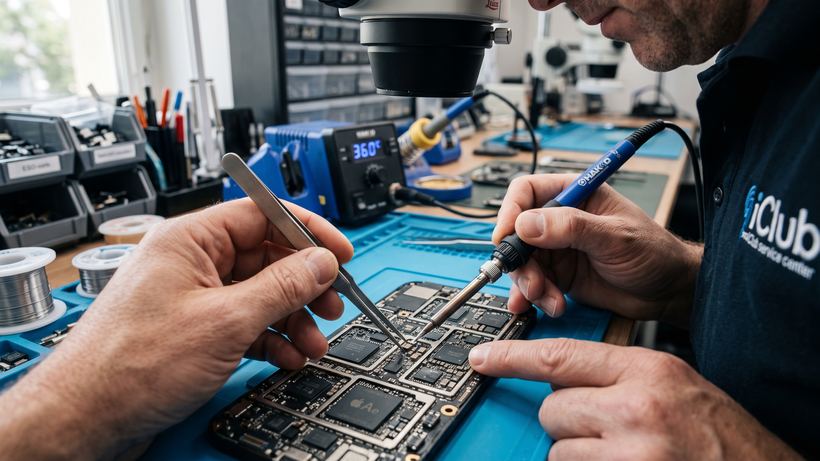
The Huawei MatePad T8 tablet is a reliable device often used for study, work, and multimedia. However, intensive use or accidental handling can lead to malfunctions. At the iClub service center, we specialize in repairing this model, offering prompt solutions for issues of any complexity. Our office is located in the center of Novosibirsk at 35 Kommunisticheskaya St., where most repairs are completed within 30–60 minutes.
Common malfunctions and their symptoms
Based on our service records, we have identified the key issues faced by Huawei MatePad T8 owners:
- Screen or touchscreen damage: Cracks, chips, lack of response to touch, or image artifacts require replacing the display assembly or touchscreen.
- Battery issues: If the tablet drains quickly, shuts down spontaneously, or only works while plugged in, a battery replacement is necessary.
- Charging problems: The tablet does not charge or charges only at a certain cable angle — this is usually due to a worn charging port.
- Software glitches: The device gets stuck on the boot logo, freezes, or displays system errors. In such cases, professional firmware flashing helps.
- Tablet won't turn on: The cause may be either deep battery discharge or a failure of internal power circuit components.
How repairs are carried out at iClub
The process begins with mandatory free diagnostics. Even if the cause of the breakdown seems obvious, the technician inspects related components to rule out hidden defects. Once the scope of work is agreed upon, the specialist proceeds with the repair. The use of professional tools allows opening the housing without any marks or damage. All services and installed parts are covered by an official warranty of 3 months or more.
Huawei MatePad T8 repair mini-FAQ
Do I need to pay for diagnostics if I choose not to repair the tablet? No, diagnostics at our service center are always free, even if you decline further repairs.
How long does a battery replacement take? Replacing the battery on this model usually takes about 30–40 minutes, provided the part is in stock.
Can the tablet be repaired after liquid damage? Yes, but the success of the repair directly depends on how quickly you bring it to the service center and whether you tried to turn on the wet device.