Windows has frozen completely, you need your files right here and now, but reinstalling means losing everything you've got. Sounds familiar? In our service center, we get cases like this at least three times a week.
Most people's first instinct is to take the computer to a repair shop or format it right away. But there is an easier way, and it fits on a 300-ruble flash drive. I've been using this method myself for several years, and it has saved me—and later our clients—more than once.
Why Linux saves the day where Windows fails
Windows viruses and malware are written strictly for Windows. They rely on the registry, system services, startup folders, and Win32 calls. Boot the system from a Linux flash drive, and this entire mechanism simply doesn't work. The virus becomes just an inactive file that doesn't go anywhere or touch anything.
That is why booting from a Linux flash drive is the first thing I do when a laptop suspected of having ransomware is brought in. Not because Linux magically cures the infection—no. But from under Linux, I can see the file system clearly, without interference, and I can pull out everything important before I start fixing Windows.
File safety is more important than the system itself. This is probably the main thing I've learned over five thousand repairs.
What a Linux flash drive can actually do
— Give access to Windows files, even if Windows itself won't boot
— Allow you to copy photos, documents, and work folders to an external drive before reinstalling
— Show the drive's contents without active virus processes
What it doesn't do: it doesn't clean viruses automatically, it doesn't restore a corrupted bootloader on its own, and it won't help if the drive is physically dying. But it allows you to bypass these problems while you figure out a solution. One important nuance: if the drive is encrypted with BitLocker, the files will be visible, but you won't be able to read them without the key.
How to make such a flash drive—it really takes 10 minutes
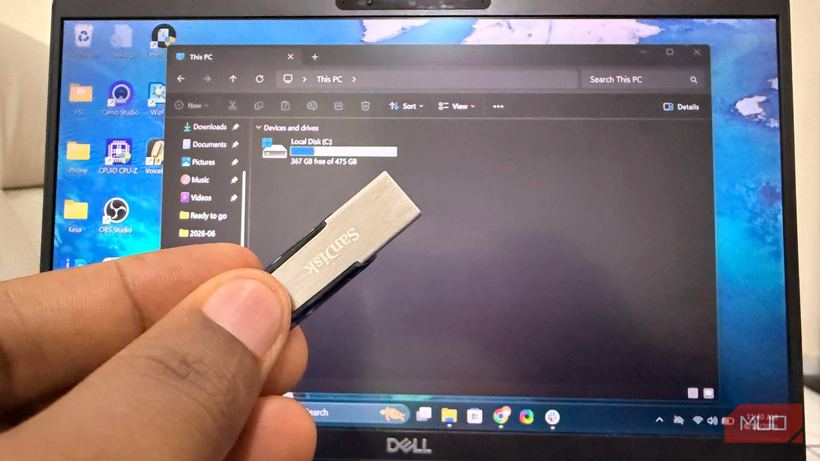
You need a flash drive of at least 8 GB, preferably USB 3.0—it costs about 300–500 rubles in any DNS or Citilink. Download the Linux Mint image from the official website: this is the most user-friendly distribution for those used to Windows, as the interface is similar. Next, use the Ventoy or Rufus utility—both are free and have a Russian interface. Run it, select the flash drive, copy the ISO, and you're done.
An important point for modern laptops: check if Secure Boot is enabled in BIOS. Linux Mint is signed for Secure Boot and usually boots without any issues, but it's better to make sure in advance, rather than during an emergency. After creating the flash drive, do a test boot from it once while everything is working fine. This will save you some nerves later. 💾
When this actually comes in handy—three real-life scenarios
Our most common scenario is Windows crashing after an update. A person turns on their laptop, sees a blue screen, and panics. We boot from Linux, copy everything needed to an external drive in 20 minutes, and then calmly restore the system. The data is safe—that's the main thing.
The second scenario is ransomware. 🛡️ From under Linux, we can see what is encrypted and what is not, extract the unaffected files, and only then clean the system properly.
The third is to understand if the drive is alive at all. Sometimes people bring in a laptop saying "it won't turn on at all," but it boots perfectly from a Linux flash drive and the drive is readable. This means the problem is not with the hardware, but with Windows—which changes the entire approach to the repair.
Make such a flash drive now, while everything is working
Don't put it off until disaster strikes. A Linux flash drive is an insurance policy that takes 10 minutes of work. It costs less than losing important files and less than an urgent repair.
If you can't do it yourself, or if trouble has already struck, come in for diagnostics at iClub Service, Novosibirsk, 35 Kommunisticheskaya St. We'll get it sorted out.