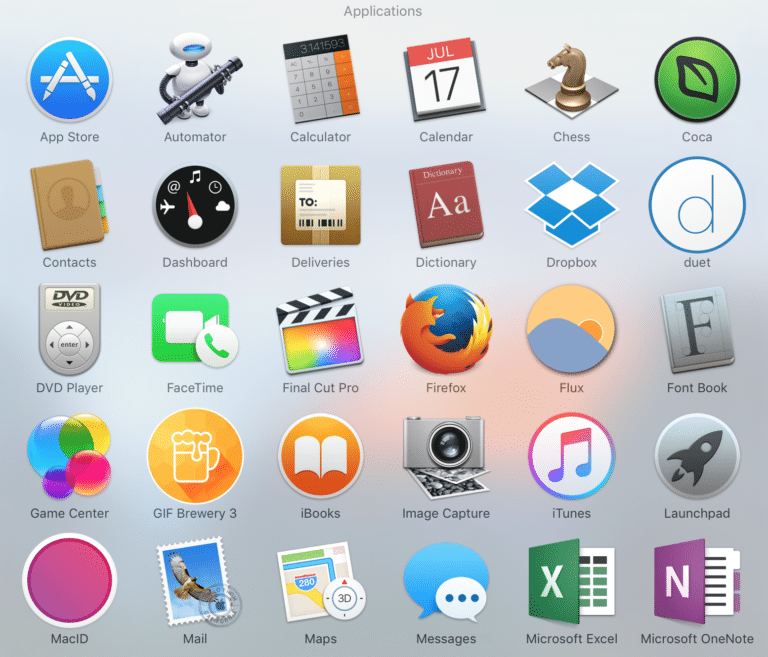
Introducing a package of popular free programs for Mac OS:
Adium — client that supports a whole bunch of instant messaging protocols.
AppCleaner — if you have problems deleting files or folders, this program will help you solve the issue.
CCleaner — universal program for optimizing and cleaning your system from all kinds of junk
Battery Health Monitor — monitor the health of your MacBook's battery. Shows nominal charge current, cell voltage, charge cycle count, and deviations of these parameters from normal.
Evernote — a whole suite of services for creating, storing, and organizing your notes. The system is cross-platform, so you can use it from any of your devices: iPhone, MacBook, iMac, iPad, Android, and Windows PCs.
DiskWave — calculates and displays disk space usage in an easy-to-understand format — and whoever reads all the way to here and tells our managers the code word "iclubpro" will get these apps installed for free, or just stop by or call for a free consultation.
FireFox — excellent browser for surfing the internet. Very different from the standard Safari
Opera — also a great browser with its own advantages. If you don't know which browser to choose — give it a try!
Chrome — Also a wonderful browser from the famous Google search engine. I like it the most!
KeyboardTools — when you need to wipe the keyboard but are too lazy to turn off the laptop — this program will temporarily disable the keyboard so it doesn't type random stuff like: oz9831roхk0 O0Х№;!№;!!""!№;%kaaaaaaaaaaaaaaaaaaaayyyyyyyyyyyyyk№№№№№№№№№№№
MackTracker — encyclopedia of devices produced by Apple.
MemoryFree — program monitors and frees up unused RAM.
VLC Player — media player for virtually all known video formats.
Open Office — open-source office document editor. Distributed and used for free.
PuntoSwitcher — automatic keyboard layout detection and switching along with what you've already typed in the wrong layout 8)
Skype — free online messenger. Most popular among similar programs. Allows audio and video calls, organizing conferences.
DropBox — cloud file storage system with synchronization across your devices. You can use up to 2 GB of cloud storage for free or pay for anything beyond that. Create shared access links to files and folders.
YandexDisk, MailRU Disk etc. — similar services of which there are now over twenty.
Unarchiver — free archiver
iTOOLS — Alternative to iTunes