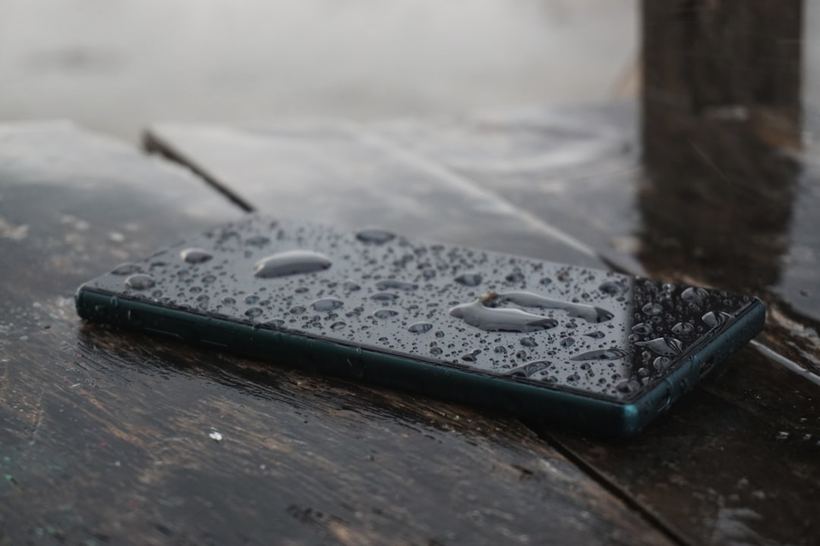
Familiar situation: the phone dropped in the sink, got caught in a heavy rain, or went swimming with its owner in the pool. You dried it, turned it on, and it seems to work. But something feels off. The screen flickers, the sound is muffled, the touchscreen registers phantom touches, and the battery dies in two hours. That's when the real trouble starts.
An iPhone can manage to turn on even after suffering serious consequences from water ingress. That doesn't mean everything is fine. As long as there is moisture on the board, oxidation takes its course — and what works poorly today might stop working altogether a week from now.
Why the phone behaves strangely
At our repair shop, we most often see three scenarios. First, partial moisture ingress through the port or speaker. The board is dry, but the contacts on individual components have already oxidized. This leads to unstable sound, charging issues, and a glitchy microphone. Second, the phone stayed in the water for longer than a couple of minutes. In that case, moisture reaches the board, and the picture is more serious: Face ID, the camera, and the touchscreen start malfunctioning. Third, water got in, the device dried out a bit on the outside, and the person turned it on and kept using it. This is the worst option. Residual moisture on the board under voltage accelerates oxidation manifold.
We had a case like this: an iPhone 13 was brought in three days after being dropped in the sea. The phone turned on and even made calls, but the screen would darken after a minute, charging only worked with one specific type of cable, and a liquid detected in charging port notification kept popping up. We opened it up — the board was covered in oxidation along the entire bottom edge. Salt water is more aggressive than fresh water, and three days was more than enough for it.
What you can do yourself right now
- Turn off the phone. If it is still on, turn it off immediately. This is the most important thing. The less time the board spends under voltage with moisture, the less oxidation occurs.
- Do not put it in rice. Rice does not draw moisture out of electronics — that's a myth. It just sits next to the device while you waste time.
- Use silica gel. Those exact packets from shoe boxes. Put the phone in a bag with silica gel for 12–24 hours. It genuinely helps remove surface residual moisture.
- Do not use a hair dryer. Hot water blows water around inside instead of driving it out. Plus, overheating adds more problems to the moisture.
- Wait before turning it on. Give it at least a full day before pressing the power button again.
If the phone starts working normally after all this, great. But it's still best to bring it to a technician: preventive cleaning of the board from micro-oxidations can save you from a sudden breakdown a month down the road.
When you need to visit the service center immediately
There are symptoms where DIY experiments will only make things worse.
- The phone won't charge or charges only in a specific cable position
- The screen flickers, lines or dark spots have appeared
- The touchscreen triggers on its own or stops responding to touches
- The sound is muffled, completely gone, or only one speaker works
- The phone gets noticeably warm under normal use
- Face ID has stopped recognizing your face
- The battery holds a charge significantly worse than before
All of these are signs that moisture has already reached the components. This requires ultrasonic board cleaning and diagnostics of each module individually. This is not something that can be fixed with a hair dryer or a packet of silica gel.
We recently had an iPhone 14 Pro brought in — the owner dropped it in the bathtub, but the phone worked normally for a whole two weeks. Then it suddenly stopped turning on altogether. A classic story: the oxidation developed gradually until it reached a critical contact. If she had come in earlier, board cleaning would have cost 2 to 3 thousand rubles. In the end, a much more serious repair was required.
Come by — we'll sort it out
If your iPhone is acting strange after water exposure and you don't understand what's happening, come to iClub at Kommunisticheskaya 35. Diagnostics are free. We'll take a look inside and tell you honestly: whether it can be repaired, how much it costs, and whether it's even worth it. No fluff.