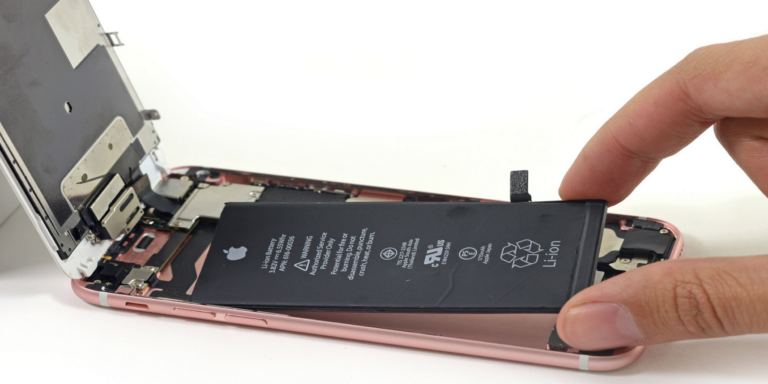
- Please read the following instructions carefully before using the battery.
[IMPORTANT!] When using the battery for the first time, please discharge it to 4% first, then fully charge it to 100%. - During daily use, do not allow the battery charge to drop below 4%. It is PROHIBITED to fully discharge the battery to 0% — this significantly reduces its lifespan and may cause damage.
- If the battery does become fully discharged (below 4%), it must be charged for 1-2 days, otherwise this may lead to COMPLETE BATTERY DAMAGE and INABILITY to recharge it.

- If you do not use the battery for an extended period (3 months or more), the battery should be charged to at least 50%. Otherwise, after prolonged storage, the battery capacity may significantly decrease.
- We recommend at least once every two months to fully discharge the battery to 4% and charge it to 100% (we call this "training"). This will help keep the battery in good condition and extend its lifespan.
- The battery lifespan is 2 years when all operating rules are followed. After 2 years of use, it must be replaced. Using an old battery may lead to fire or explosion.
- If the battery does not charge or does not charge fully, the problem likely lies with the laptop power adapter or there are malfunctions on the motherboard. Please turn off the computer and reinstall the battery. If the problem persists, contact a service center.
ADDITIONAL NOTES:
- Never remove the battery from a laptop or phone during charging or discharging.
- Do not allow the battery to discharge to 4% or lower!
Failure to follow these instructions may result in battery failure and, consequently, voiding of the battery or device warranty.