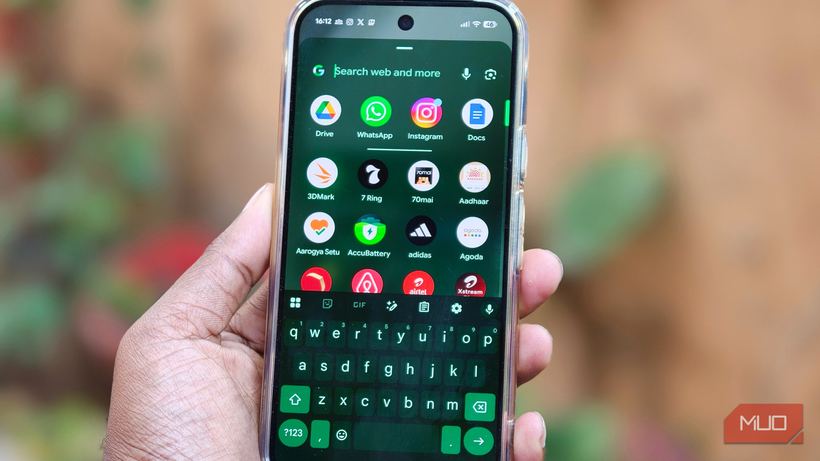
We get Pixels in our service center regularly. Most often, the complaint is the same: the phone is almost new, but the battery doesn't last until the evening. You look at the settings, and it's immediately clear that the battery isn't the problem. The phone simply works by default in a way that burns through charge faster than necessary. A few changes, and the difference is noticeable by the very next morning.
The first thing I start with is restricting background app activity. Android allows every app to periodically "wake up": check for updates, sync, or download something. Over the course of a day, these small activities add up to an hour or an hour and a half of battery life. Go to Settings → Apps, select the one you need → Battery usage, and restrict background work. News apps, marketplaces, and various widgets that update every few minutes are particularly guilty of this.
The second step that surprises people is pausing apps that you don't use often but don't want to delete. On a Pixel, this is done by long-pressing the icon → "Pause app". The app freezes: it doesn't run in the background, doesn't drain the battery, but remains installed and launches when you need it. I did this myself with a couple of banking apps that I use once a month — the difference is noticeable. A major warning: don't pause messengers or email, otherwise you'll miss important messages.
Always-On Display is a beautiful but power-hungry feature. The display is constantly showing something, even when the phone is just lying nearby. If your Pixel already lights up for every notification, there isn't much point in AOD. It can be turned off in Settings → Display → Always-On Display. After doing this, many people notice an extra hour and a half of battery life per day — and that's without any other changes. 🔋
The fourth point is a bit technical but important — optimizing the network to save battery. Pixel can dynamically switch between 5G, LTE, and Wi-Fi depending on what you are doing at the moment. If you're just scrolling through a feed or messaging, there's no need to maintain a full 5G connection with its constant network searching. This can be enabled in Settings → Network & internet → SIMs → Optimize network usage to save battery. This is especially relevant in Novosibirsk: 5G coverage here is uneven, and without this setting, the phone regularly wastes energy.
And finally — Adaptive Battery. This is a feature that learns your habits: which apps you use often and which ones you use once a week. It gives priority resources to the former and limits background activity for the latter. It doesn't work immediately: it takes about five days for the algorithm to gather data. Settings → Battery → Adaptive preferences → Adaptive battery. Turn it on and forget about it.
Honestly, I was a skeptic about software settings myself — it seemed like marketing fluff with no real effect. But I went through all five points on my Pixel 10 Pro, and the next morning, the phone showed significantly more charge under the same load. Half an hour of setup, and the result is visible the very next day. 📱
An important point: if the phone is less than a year old and the battery is degrading rapidly, this is not normal, and no settings will help. In such cases, we see capacity below 85% in eight-to-nine-month-old phones. This is a warranty issue and should be resolved through the manufacturer or an authorized service center.
If you can't figure it out on your own, come in for a diagnostic at Iclub Service, Novosibirsk, 35 Kommunisticheskaya St. We'll sort it out. ⚡