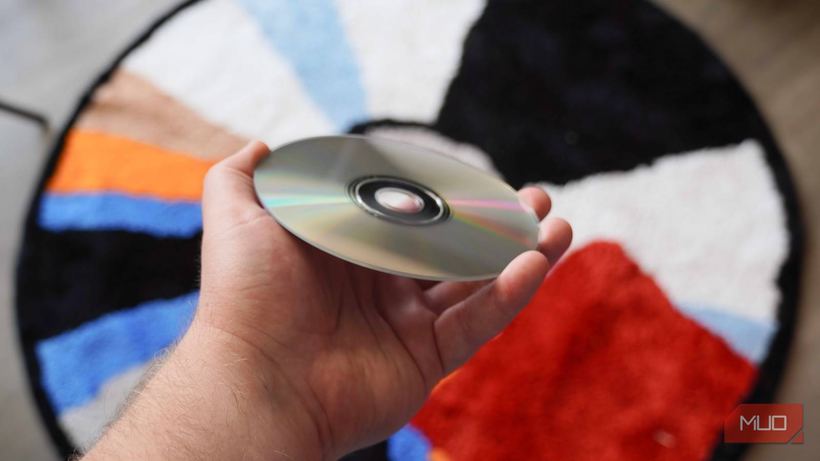
If you pulled out old discs with family photos or archival documents and found that some of them won't open, you are not alone. Burned CDs and DVDs age, and this process is often invisible from the outside: the disc looks intact, but the data on it is already damaged.
Why discs stop being readable
Burned discs (CD-R, DVD±R) differ from pressed ones: data is stored not in the plastic, but in a dye layer that the laser burns during recording. It is this dye that ages.
Causes of damage:
— High temperature destroys the dye and deforms the plastic
— Humidity causes corrosion of the reflective layer
— Ultraviolet light accelerates dye degradation
— Scratches and dust prevent the laser from reading the tracks
— Cheap discs initially have unstable dye
Even discs from the same pack, recorded on the same day, can behave differently after 15–20 years: one will read fine, another will produce errors. The manufacturer, specific batch, storage conditions — all this affects the outcome.
How to check what survived
It is not enough to just insert a disc and see if it opens. Full testing is required.
1. Insert the disc and copy all contents to a hard drive or USB flash drive — do not view the files directly from the disc.
2. Monitor the behavior: if reading slows down, pauses appear, or copying errors occur, this is a sign of degradation.
3. After copying, open several files manually, especially photos and videos. The folder might copy, but contain damaged files inside.
4. If one drive can't handle it — try another. Different models sometimes read the same problematic disc differently.
5. If the disc reads normally — transfer the data immediately. Do not put it back: optical media do not become more reliable with age.
How to rescue data from a damaged disc
1. Use specialized software. For Windows, IsoBuster or Recuva are suitable — they read sectors with errors and skip unreadable areas. For macOS, try ddrescue via Terminal.
2. Check several drives — different devices have different lenses and error correction algorithms.
3. If the disc is scratched, careful polishing with a special paste sometimes helps. But this is a risk: a wrong move can worsen the damage.
4. Immediately transfer rescued files to the cloud (Google Photos, Yandex Disk) or to multiple physical storage devices — one copy is never enough.
If the disc cannot be read by any drive and the data on it is important — do not experiment further so as not to erase what can still be salvaged. Come for diagnostics to iClub Service at 35 Kommunisticheskaya St. in Novosibirsk: we will see what can actually be saved. Diagnostics are free.