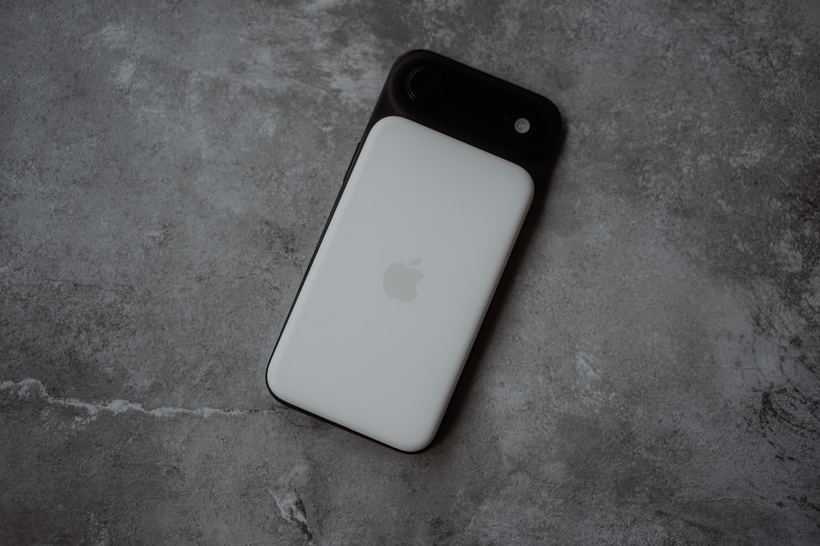
When your phone drains quickly, it's not always the battery
Here is a typical situation: you charge your iPhone to 100% overnight, and by lunch, it's already at 30%. The first thought is that the battery is dead and needs replacing. But that's not always the case. Sometimes a background process, corrupted calibration, or an iOS update that started doing something actively in the background is to blame. Before dragging your phone to a service center, it's worth figuring it out.
Signs that it is indeed the battery
There are symptoms that speak for themselves:
- The iPhone shuts down abruptly at 20–40% charge, even though it just showed a normal level
- The phone gets very hot even during simple tasks — you're scrolling through a feed, and the casing is hot
- Charging from zero to one hundred percent takes noticeably less time than before
- The back cover or screen has started to bulge slightly — this is already serious
- The phone is lagging, even though it used to be fast — iOS intentionally reduces performance if the battery cannot handle peak loads
The last point surprises many. Yes, Apple does this intentionally — so that the phone doesn't shut down at the most inconvenient moment. It's called "Performance Management." This is not a bug, but a protection. But for the user, the feeling is one: the phone has become sluggish.
Check your battery health yourself
Go to Settings → Battery → Battery Health. 100% is new or almost new. 90–95% is normal for a phone that is one or two years old. Below 80% — Apple itself will warn you that the battery is significantly degraded. But in practice, we often see problems as early as 82–83%, especially on the iPhone 11 and 12.
Look at the statistics there as well: which apps are consuming the charge. If TikTok or YouTube are in first place by a huge margin — perhaps the issue isn't the battery, but your usage habits.
What you can try yourself
- Update iOS to the latest version — sometimes bugs in specific versions drain the battery heavily, and the next update fixes this.
- Turn off background app refresh: Settings → General → Background App Refresh. Many apps work in the background even when you don't open them.
- Try to drain the phone to zero and charge it to 100% without interruption. This helps the charge indicator show more accurate data.
- In the cold — don't panic. At -15 °C, an iPhone might show 30% and shut down immediately. Bring it into the warmth — it will turn on and show 30% again. This is normal behavior for a lithium battery.
When you can no longer handle it yourself
We had a case like this: someone brought in an iPhone 13, the owner said — "it drains in three hours, even though I bought it a year ago." We checked the health — 76%. For a phone less than two years old, this is not normal. It turned out the person was charging it to 100% every night and leaving it plugged in until morning. The battery degraded faster than usual. We replaced it — and it's working like new again.
Another case — an iPhone 11 where the back panel started to detach from the frame. The owner thought it was poorly glued during assembly. In reality, the battery had swollen. A swollen battery is not a "I'll replace it later" situation; it needs to be done urgently. In the worst case, it will damage the display from the inside, and that's a completely different cost.
Go to a service center if:
- Battery health is below 79%
- The phone shuts down while still having a charge
- The casing or screen is deforming
- The phone doesn't hold a charge even in standby mode — it loses 30–40% overnight
Replacing a battery in an iPhone 11–15 takes us from 30 to 60 minutes and costs around 2,500–3,500 rubles depending on the model. We use only verified components — not no-name parts from marketplaces.
Come by — we'll figure it out
If after everything you've tried yourself, the phone still behaves strangely — come to iClub at Kommunisticheskaya 35. Diagnosis is free. We will see what's happening and tell you honestly: whether a battery replacement is needed or if the cause is something else.