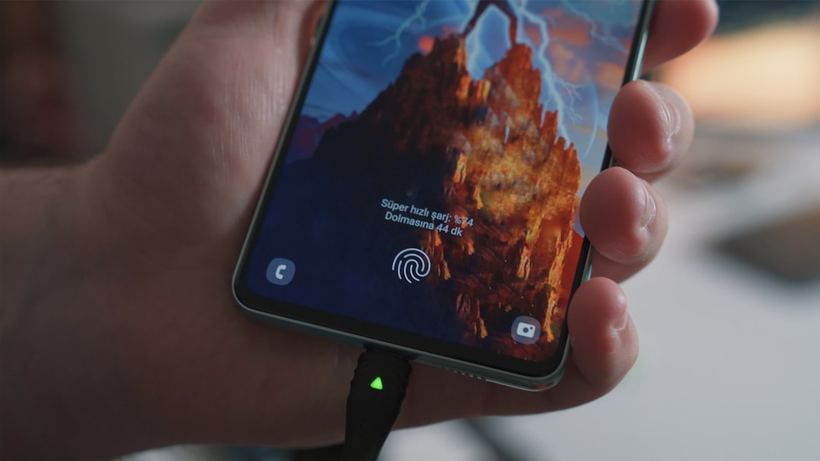
Why your phone suddenly has a mind of its own
It turns off in the middle of a call. It reboots during a game. It restarts at night — you can tell because all notifications are gone. Such phones regularly appear in our workshop, and the first thing a client wants to know is: is the battery dying or is there something wrong with the firmware?
The answer isn't always obvious. Both options present similar symptoms but are treated differently. Let's break it down in order.
Common Causes of Spontaneous Reboots
Battery
The most common reason — especially for phones older than two years. The battery degrades, loses capacity, and stops holding a stable voltage under load. The system experiences a power drop and interprets this as a signal to reboot.
The following signs point to the battery:
- the phone reboots specifically under load — during navigation, a call, or a game;
- the charge 'jumps': it was just 40%, and suddenly it's 5% or it turns off immediately;
- the casing around the battery is slightly swollen;
- the problem intensifies several times over in the cold.
There was a case: a Samsung Galaxy A52 was brought in — the phone would shut down at 30–35% charge. It looked normal from the outside. We opened it up — the battery was swollen, and its capacity had dropped to 58% of its nominal value. We replaced the battery for approximately 1 800 rubles, and the problem was resolved the same day.
Firmware and Software
The second most frequent culprit is a software glitch. A faulty system update, a third-party app conflict, full memory, a virus. All of this can lead to chaotic reboots.
The following hints at software-related causes:
- reboots started after an Android update or installing a new app;
- the phone freezes on the boot screen and cannot start properly;
- in the settings, it's visible that the memory is almost completely full;
- the reboot always happens in the same application.
Hardware Issues
Less common, but it happens: oxidation of contacts after moisture exposure, a damaged flex cable, board issues due to overheating or impact. These cannot be fixed on your own.
What You Can Try Yourself
- Check the battery status. On Android 12 and newer — 'Settings' → 'Battery' → 'Battery status'. If it's less than 80% — it's time to replace it.
- Uninstall recently installed apps or those after which the problem started.
- Clear the cache. In the settings of each suspicious app, tap 'Clear cache'.
- Update the firmware — the manufacturer might have already released a patch specifically for this bug.
- Factory reset. An extreme measure, but often helps. Just make a backup first: photos, contacts, messages.
If reboots stopped after the reset — the problem was software-related. If not — it's a hardware issue.
When You Need a Professional
DIY methods are good up to a certain point. Come to us if:
- you've tried everything, but the phone keeps rebooting;
- the device reboots even while charging — this is an alarming sign;
- the battery is swollen — it's unsafe to continue using it;
- the phone recently got wet or fell hard.
Recently: a client came in with a Xiaomi Redmi Note 11 — it was rebooting several times a day. He had already performed a reset himself, but it didn't help. During diagnostics, we found oxidation under the battery — a consequence of previous water contact. We cleaned it and replaced the battery. The phone has been working normally for several months now.
If your Android is behaving unpredictably and you've already tried everything you could — come to iClub at Kommunisticheskaya, 35. Diagnostics are free; we'll honestly tell you what happened and what needs to be done.